Feline Dance Creator
One character performs a lively dance routine while another character holds up a smartphone to record the performance.
How it works
- 1
Add your photos
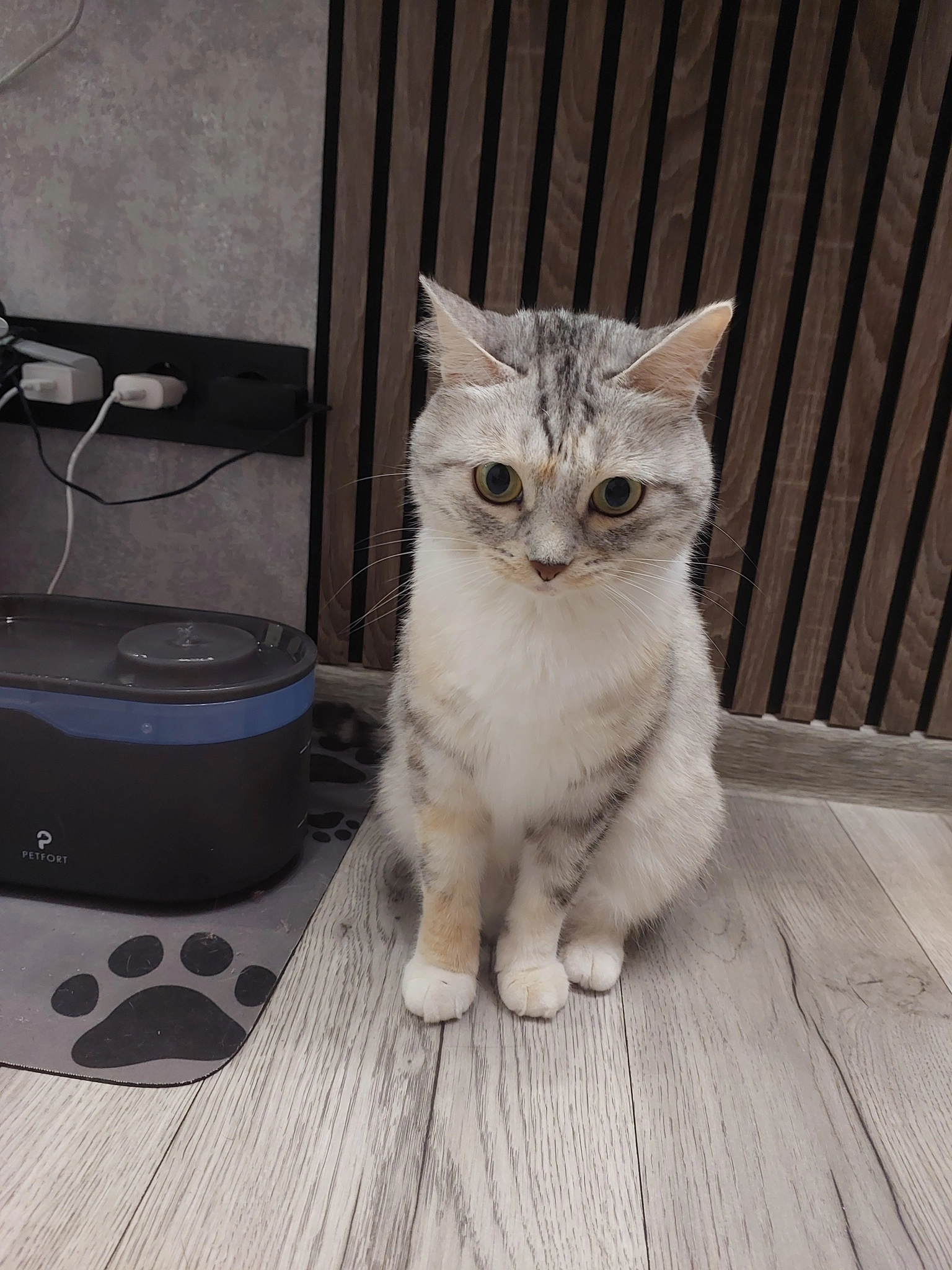
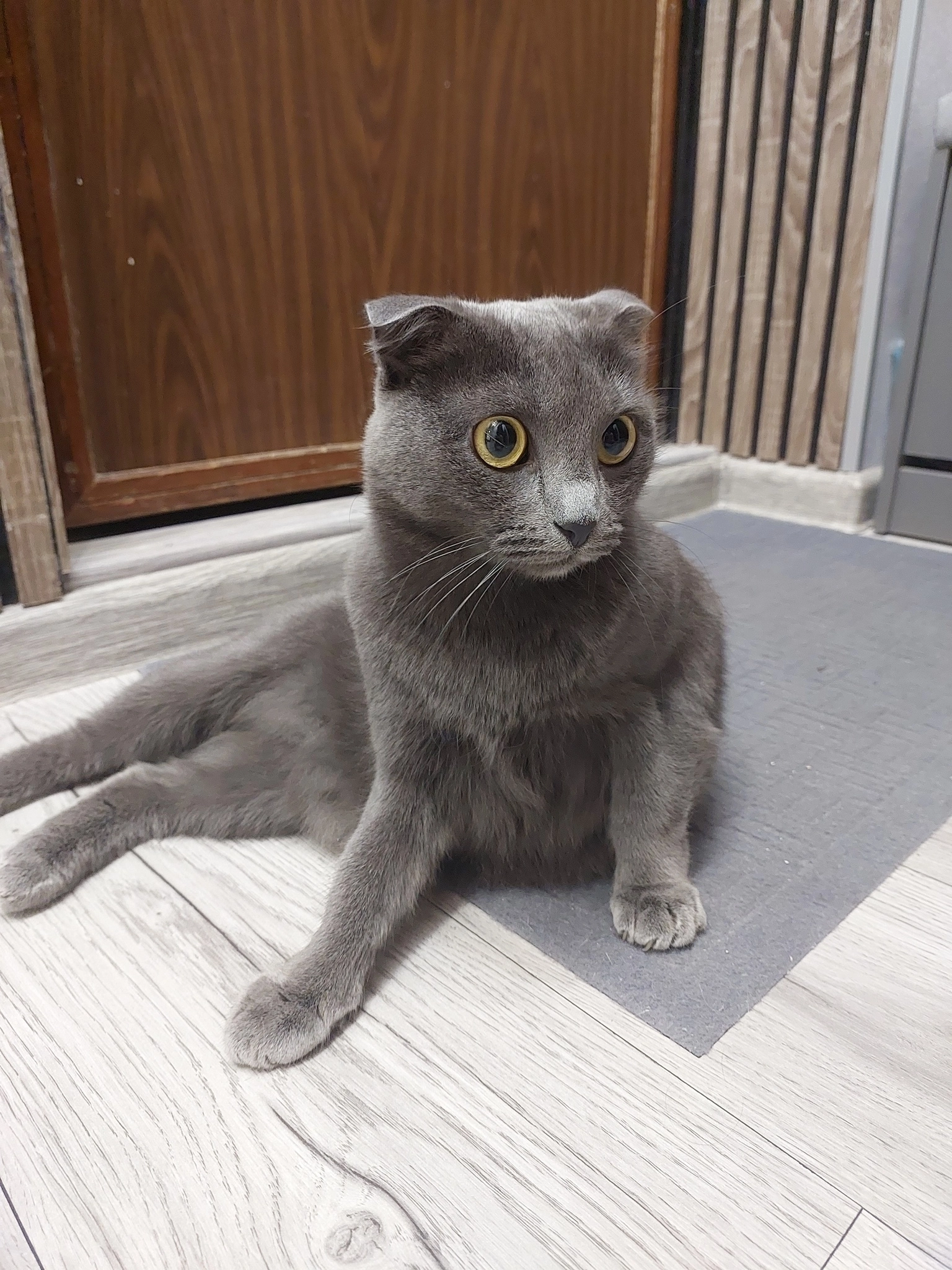
Upload 2 clear photos of the person, in the order of the original clip.
- 2
Pick a quality
480p is the fastest and cheapest, 720p is balanced and 1080p is the sharpest. The price is shown before you start.
- 3
Generate and download
Your video is ready in a few minutes. Download it and post it anywhere.
Tips for the best result
- Use a sharp, front-facing photo with the whole face visible.
- Even lighting and a plain background work best; avoid sunglasses and heavy filters.
- This template has 2 people: upload one photo per person, in the same order as in the clip.
Frequently asked questions
What do I need to upload for Feline Dance Creator?
2 clear photos of the person to place in this video. The person in your photos performs the movements from the source video.
Do I need to write a prompt?
No. The template is already tuned, you only add your photos. An optional extra direction is available if you want to change something.
How long does it take and what does it cost?
Most videos finish in a few minutes. This template is 15 seconds long and costs 1995 credits at 720p; 480p is cheaper and 1080p sharper.
Can I use my own video instead?
Yes. Choose My own video in the generator, upload any clip up to 30 seconds and add your photos to recreate it the same way.